JS GraphingAuthor: David Zimmer Date: 05.30.15 - 7:17am as a malware analyst you spend a lot of time looking at obsfuscated JavaScript. the JavaScript_UI feature in PDF stream dumper has a fair amount of tools for cutting through the crap. as other users have noted its tools can be used for other JavaScript analysis needs such as malicious webpages and flash action script. I myself use it a lot for this task. note that if you are analyzing flash action script, you should remove some of the flash specific keywords such as protected, final, etc for the formatter (and subsequently function extractor to work). also remove the outter class{} wrapper. when analyzing html remove the html and leave just the script. Also web browser DOM objects are not supported, but I have added support for document.write[ln] as a convenience. You can add support for more DOM objects by editing userlib.js. even if you cant use the run feature, the navigation and cleanup features are still worth keeping it in mind. if you are not familiar here are some quick features:

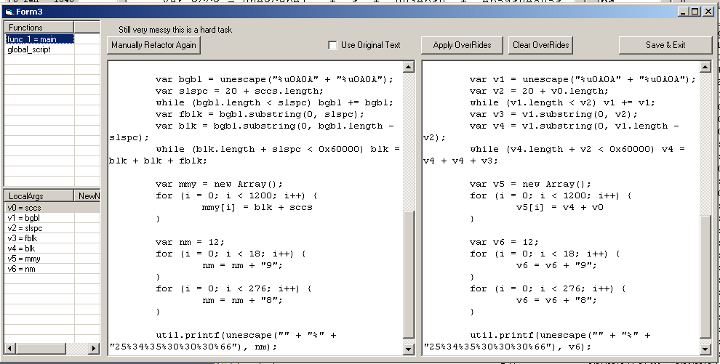
If you're not familiar with the "strip in-line function calls", or "simplify numeric expansions" features, below is a screenshot of them in action. I don't think I ever publicly mentioned them before but they have been in there for a while 
Comments: (0) |
About Me More Blogs Main Site |